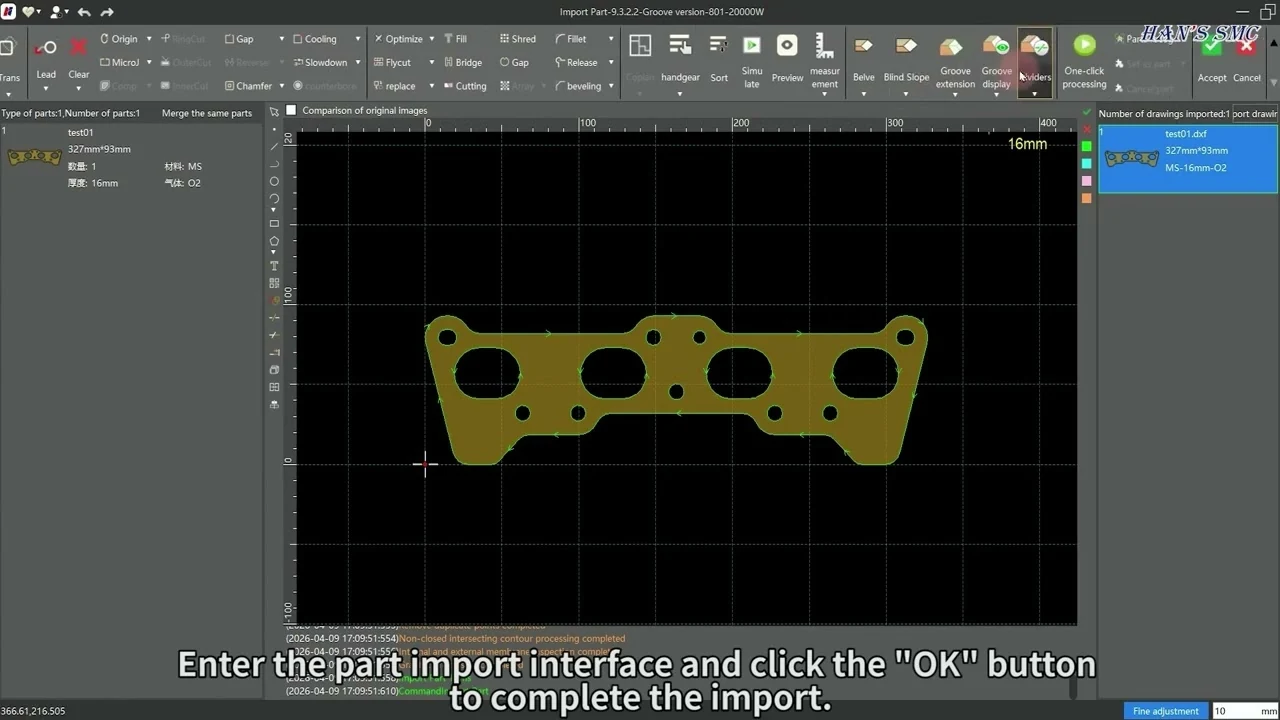
Every Hans LaserNest tutorial we have published, in sequence, with written context around each stage. LaserNest is where a job is won or lost on material yield — the machine can only cut what the nest gives it.
LaserNest is the CAM and nesting stage of the Han’s Laser workflow. It sits between your CAD files and the machine: parts come in as drawings, get checked and corrected, are organised into a job, then nested onto sheet and sent to the cutter. Time spent here is what decides sheet utilisation and how much handling a job needs after cutting.
The ten tutorials below are the full sequence, recorded by our team. Total runtime is about seventeen minutes. They are ordered deliberately — each builds on the last, and the early ones on import and part editing matter most, because a part that comes in wrong stays wrong all the way to the machine.
Where to start
If you are new to the software, watch them in order. If you are troubleshooting one job, the four guides below group the videos by the task you are actually doing.
LaserNest is the CAM and nesting software used with Han’s Laser fiber laser cutting machines. It handles importing part geometry, correcting and preparing it, organising parts into a job, nesting them onto sheet, and producing the program the cutting machine runs.
How long does the full course take?
The ten tutorials total roughly seventeen minutes, with individual videos between 1:19 and 2:12. They are short by design — each covers one function rather than a whole session.
Do I need to watch them in order?
For a first pass, yes. Import and part editing come first because errors introduced there carry through the rest of the workflow. If you are solving one specific problem, the four task guides group the videos by what you are actually doing.
Is training included when I buy a machine?
Yes. Operator training is included with every machine Rise Tek delivers, and our technicians support the software alongside the hardware. These videos are a reference to come back to, not a replacement for that training.
Can I use different nesting software instead?
Dedicated nesting packages such as SigmaNest and Lantek are used in some shops, generally where nesting is complex enough that the yield gain repays the licence. For most shops running mixed job work, the built-in nesting is what gets used day to day.
Running a Han’s Laser machine in Canada?
Operator training is included with every machine we deliver, and our technicians support LaserNest alongside the hardware.